
Comfy Desktop becomes your front door to everything ComfyUI
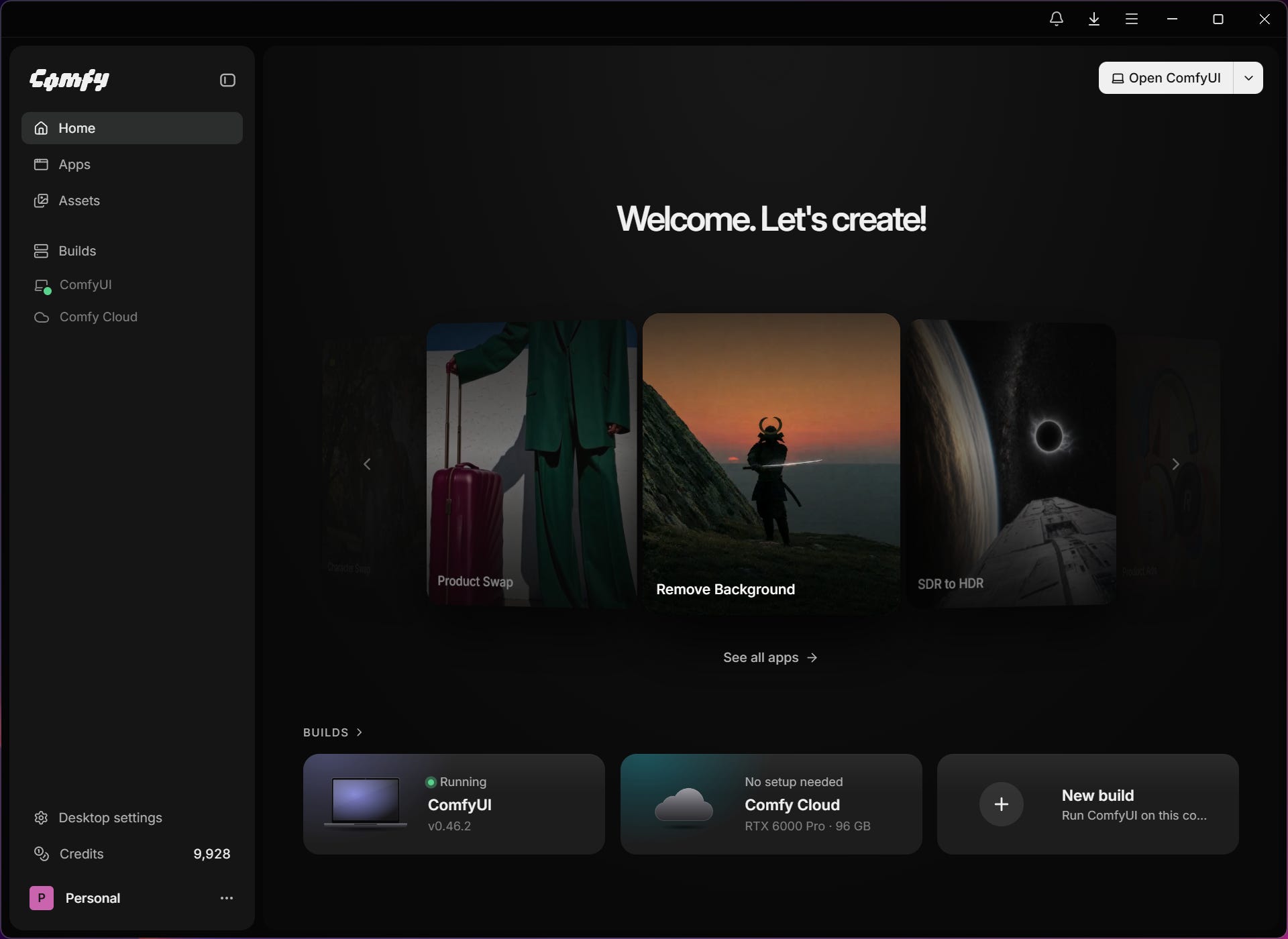
Comfy Desktop started as the easiest way to install and run ComfyUI on your own machine. With the 1.2 update, it becomes the place where everything built on ComfyUI lives: a new look, a new home for your builds, and ready-to-use apps that get you to a result without opening a graph.
Apps: all the power of ComfyUI, none of the nodes
The community has been building apps on top of ComfyUI for years. Now, they have a native home in Comfy Desktop. We are starting with first-party apps created by our team but we’re working on enabling users to publish and share their own apps in their workspace. Each app does one job through a simple interface: drop in your input, press Run, get your output. ComfyUI does the work underneath.
Six apps are available today:
Remove Background: clean cut-outs from any image
SDR to HDR: bring standard images into high dynamic range
Product Ads: turn a product shot into ad-ready visuals
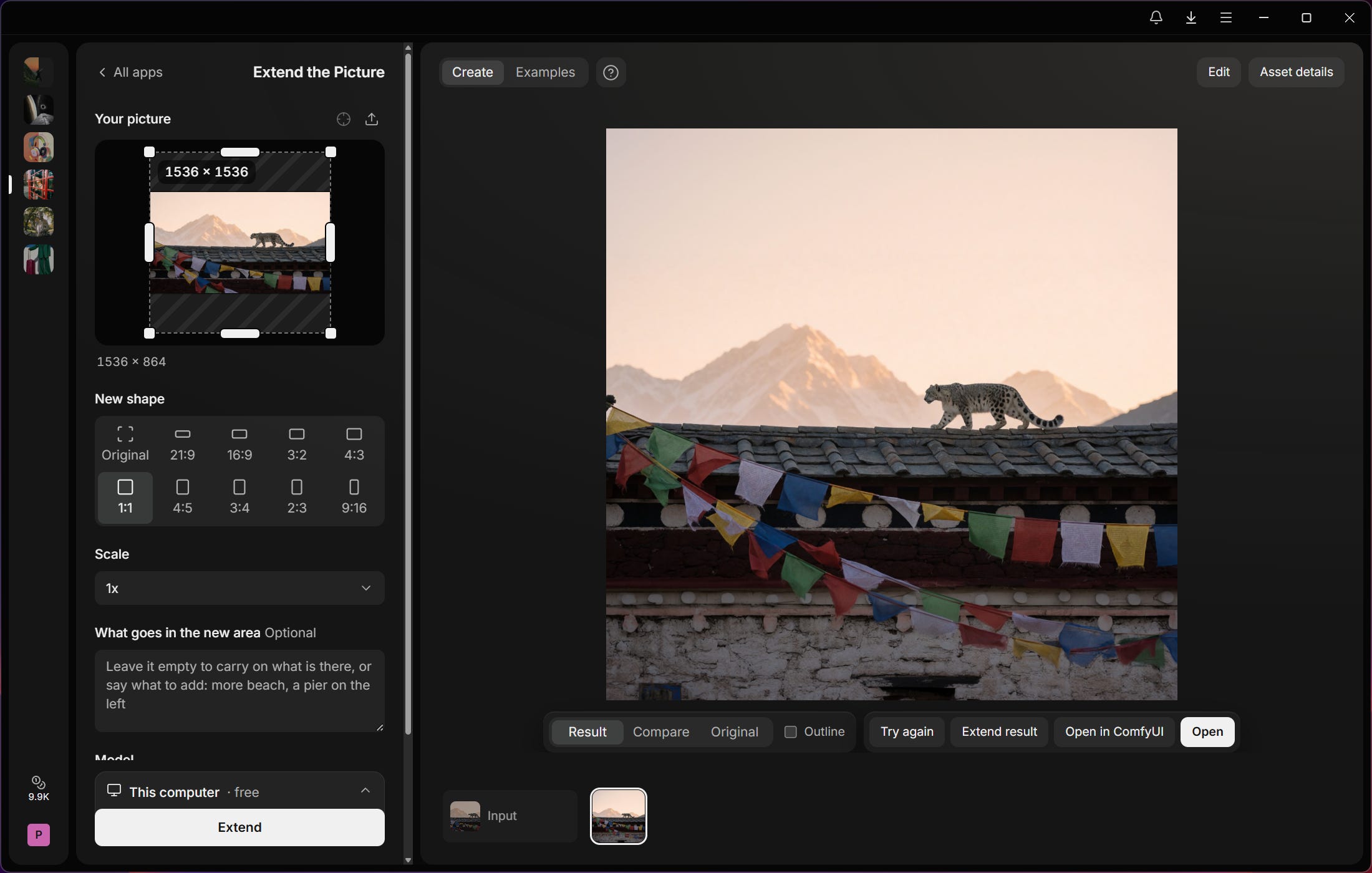
Extend the Picture: outpaint beyond the original frame
Character Swap: replace a character in a scene
Product Swap: replace a product in a scene
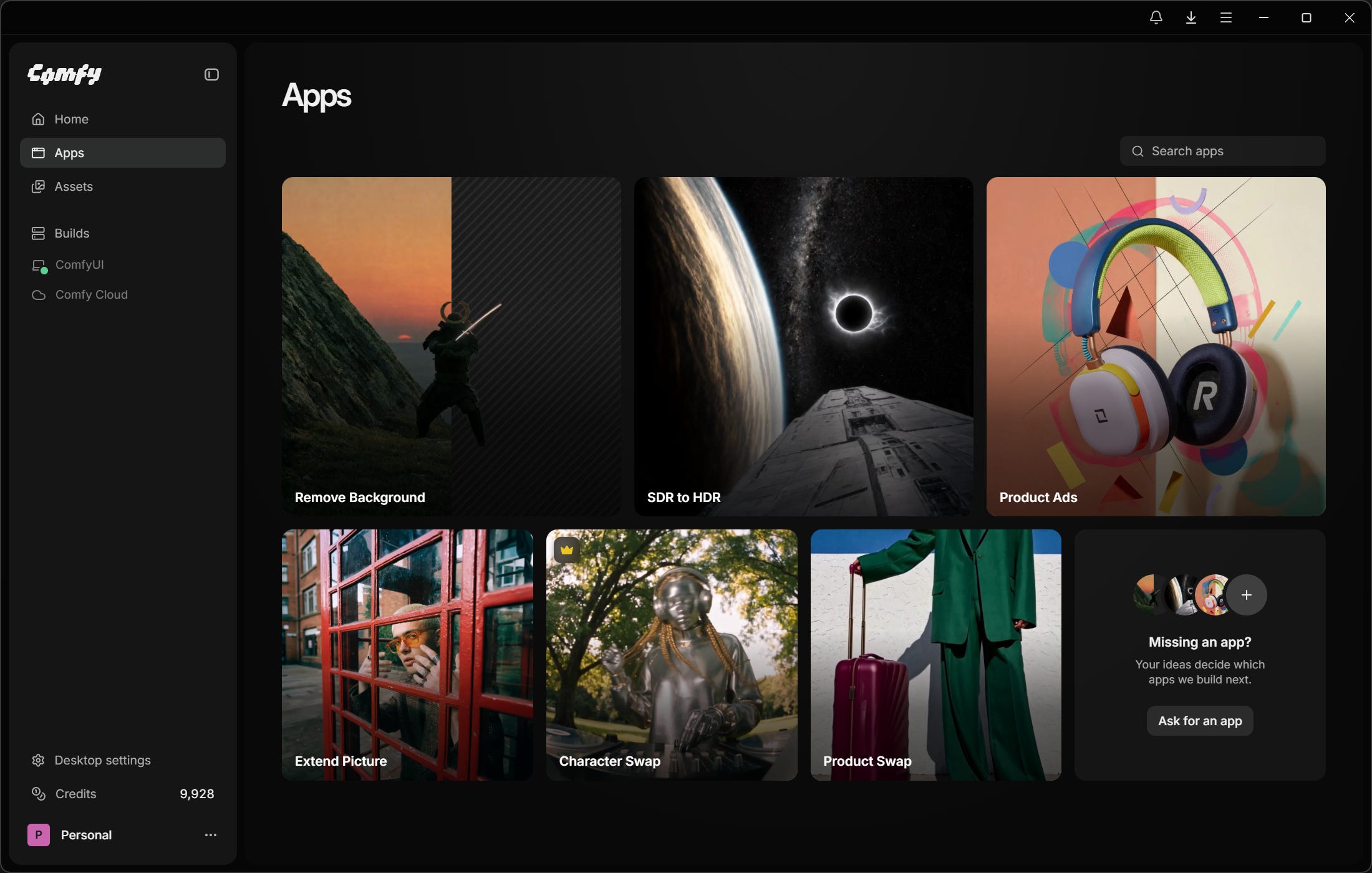
Apps run either on your own GPU or on Comfy Cloud. Apps that are built on open models are free to run locally; apps that use partner models consume credits.
The easiest way to install and manage your ComfyUI builds
We know installing ComfyUI can be intimidating, and updating it can be complicated... Comfy Desktop takes care of the setup so you can spend your time creating.
Install in one click. No terminal, no Python environment to configure, no dependencies to chase. Click once and your ComfyUI build is ready to run.
One set of folders for every build. Models, inputs and outputs can be shared across all your builds automatically. You don’t have to manually open and edit
extra_model_paths.yamlor copy files between installs.Update without fear. Comfy Desktop takes a snapshot of your install before every update. If an update breaks your setup, restore the snapshot and you are back to work in moments.
Your whole team on the same build. Enterprise teams can download and install builds shared from the Comfy Cloud platform, so every artist runs the exact same setup.
Faster models download: Models downloaded from workflow templates land directly in the right folder. No more moving files manually to folders.
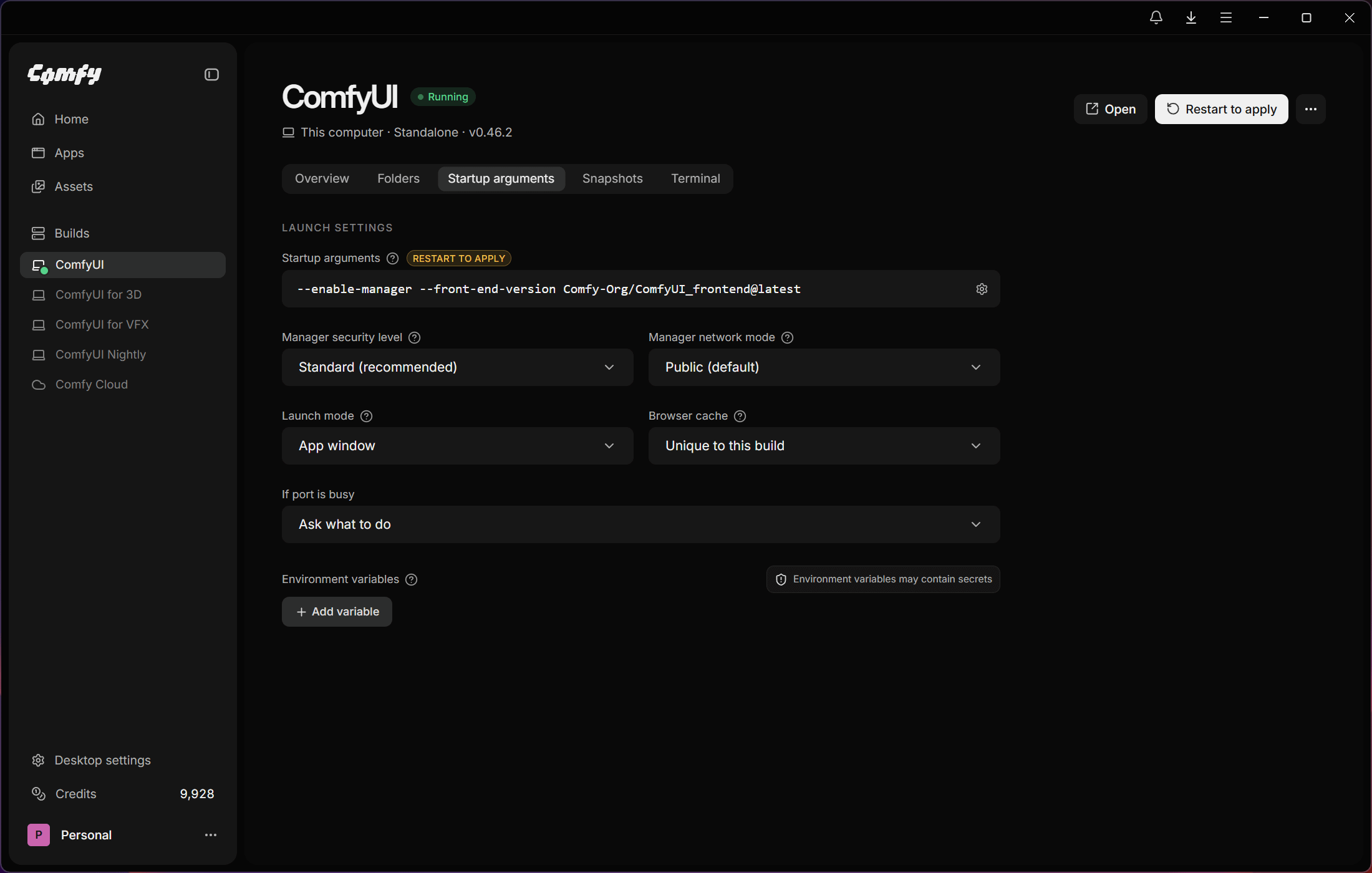
Every build has its own details page where you can update ComfyUI, set startup arguments, take and export snapshots, and manage your folders. No more digging through files to configure an install.
For builders, nothing is taken away
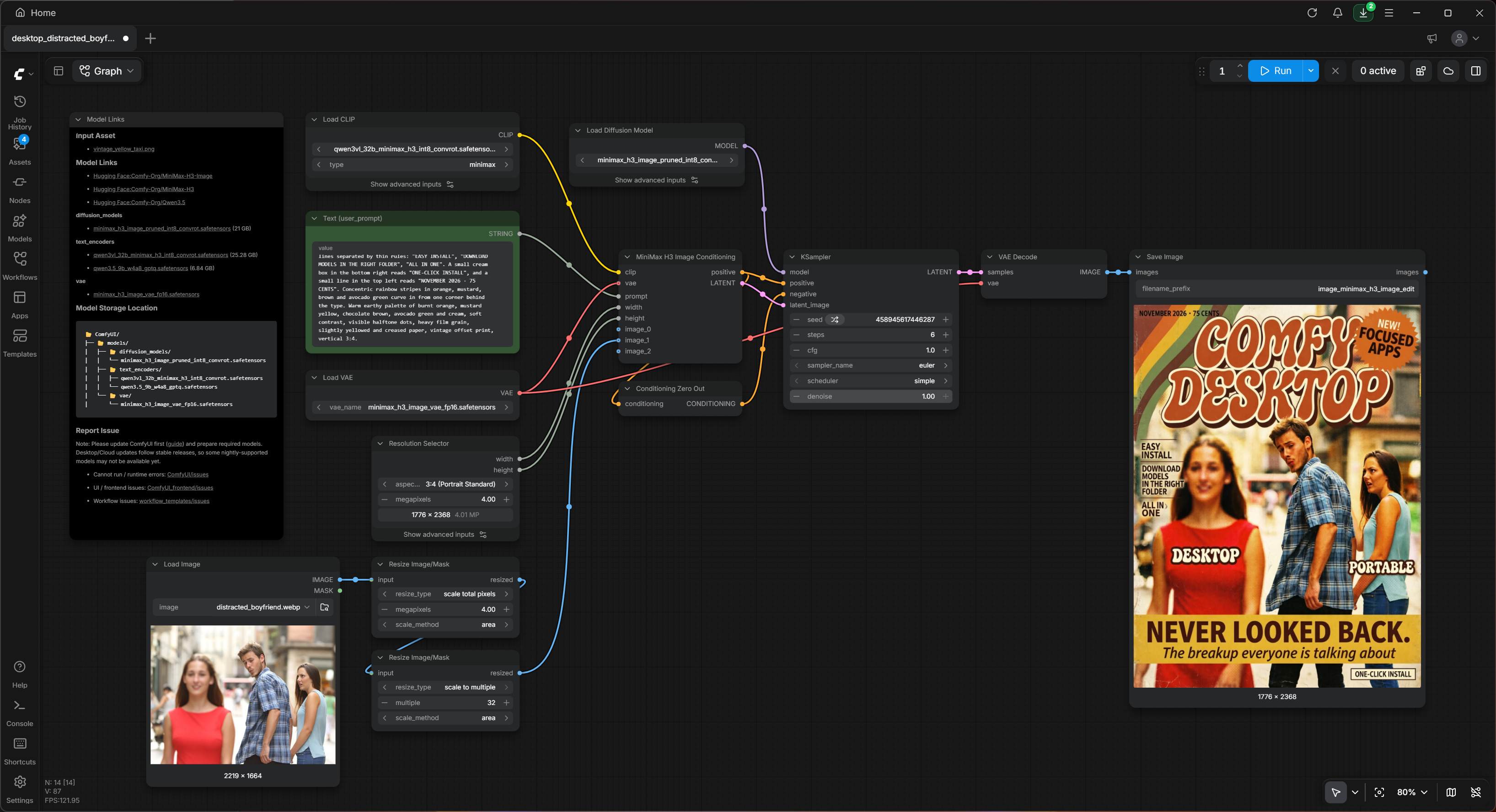
If you live in the graph, it is exactly where you left it. Apps are an addition and you can inspect the underlying workflow directly into ComfyUI’s graph editor.
Just the beginning
You can expect more apps, shaped by what you ask for. There is more coming to the sidebar too: workflow browsing, improvements to the asset library, and a few other surprises we’re cooking…
Download Comfy Desktop for Windows, macOS, or Linux at comfy.org/download. If you already have it, just update to the latest version.